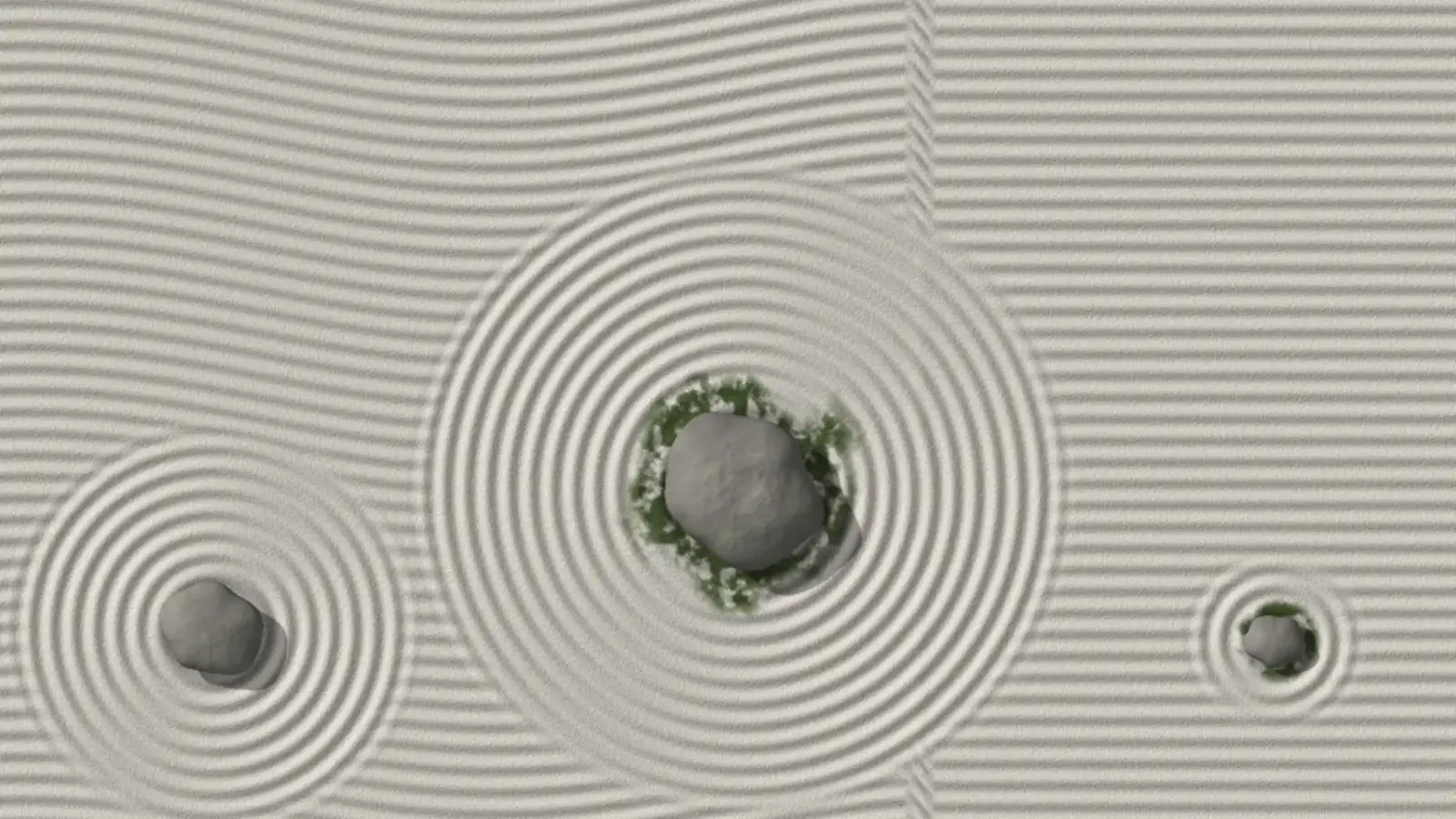
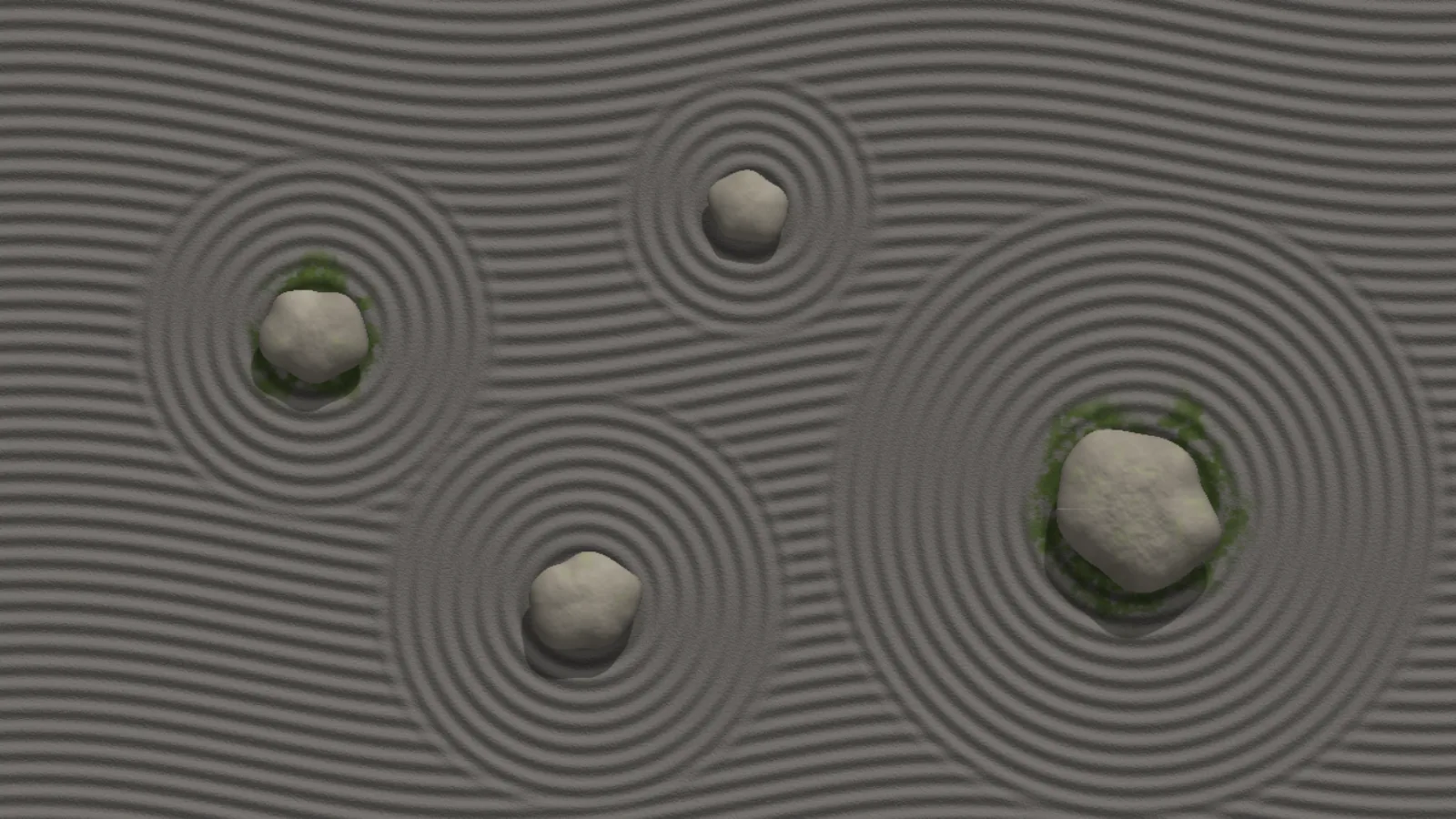
A raked sand garden from above: parallel furrows, concentric rings around moss-collared stones, a slow sun turning the shadows over the course of an hour, and an unseen rake that crosses the garden every few minutes and leaves a new pattern behind its seam. The sand is a height field lit per pixel, so every furrow has a shadow side — and the sun is never allowed below the top of the sky, because lit from underneath a raised stone reads as a pit.
Pale sandThe default, caught as the rake’s seam crosses the garden.Dark sandGrey sand, four stones, wavy furrows.
Time passes
The sun swings slowly across the top of the sky over an hour and the furrow shadows turn with it. Every few minutes the rake crosses the garden in about forty seconds and leaves one of three patterns — straight, waves, diagonal — behind its seam, and a leaf drifts down now and then.
If you self-host
Self-hosted, read-only container. Zen makes no outbound request at all — the sand, stones and leaves are computed in the browser, one shader at 80% resolution, at a capped 30 frames a second.
What it wants
A sand colour — pale, warm, or dark — and how many stones, from one to five. Stones are placed in aspect-ratio space and re-placed when the screen changes shape, so a portrait panel gets a garden that fits it too.
Setup
Put Zen on a screen.
A browser is genuinely enough — the Mac app and Fully Kiosk below are conveniences, not requirements.
Any screen
nothing to install
Open the display in whatever browser the screen already has.
Go full screen: F11 on Windows and Linux, ⌃⌘F on macOS.
Or give it a browser of its own, which is what a dedicated panel wants: chrome --kiosk <url> — on macOS, open -a "Google Chrome" --args --kiosk <url>.
Turn off display sleep in the machine’s power settings and walk away.
Works on anything with a browser
Mac desktop
LivingKiosk app
Get the app and its install steps at livingkiosk.com/mac. It isn’t notarized yet, so macOS asks you to approve it once.
Menu bar → Library… and pick a display for each screen.
Configure… on any screen for its reload schedule, dim, and saved configs.
Displays are ordinary web pages, so anything that can hold one open works: a Raspberry Pi on a monitor, a retired iPad, a Fire tablet, the browser built into a TV.
Configuration
URL parameters.
Everything below, plus a live preview and a URL builder that writes the link for you, is at zen.livingkiosk.com/setup.
Parameter
Default
Meaning
stones
3
How many stones stand in the garden, 1–5. The first is the largest. Clamped and rounded.
moss
on
off removes the soft green collar around every other stone.
leaves
on
off stops the leaf that drifts down every half minute or so, settles, and fades.
rake
4
Minutes between passes of the rake, 0–30. 0 = never. Each pass takes about 40 s, or half the period if that is shorter.
sand
pale
warm or dark. The colour of the sand.
speed
1
A multiplier on the passage of time — the sun, the rake and the leaves, 0.2–5. Clamped, not rejected.