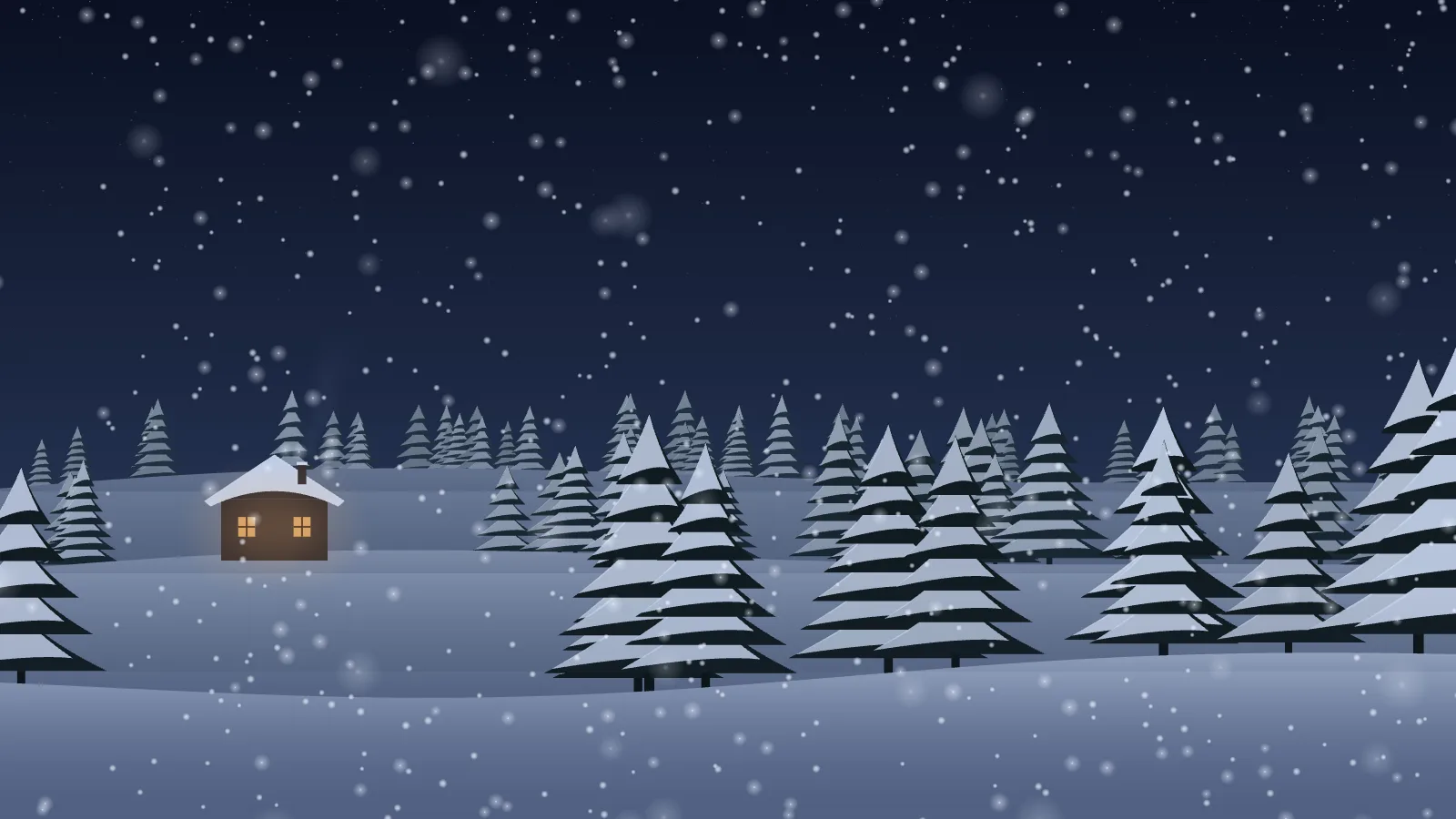
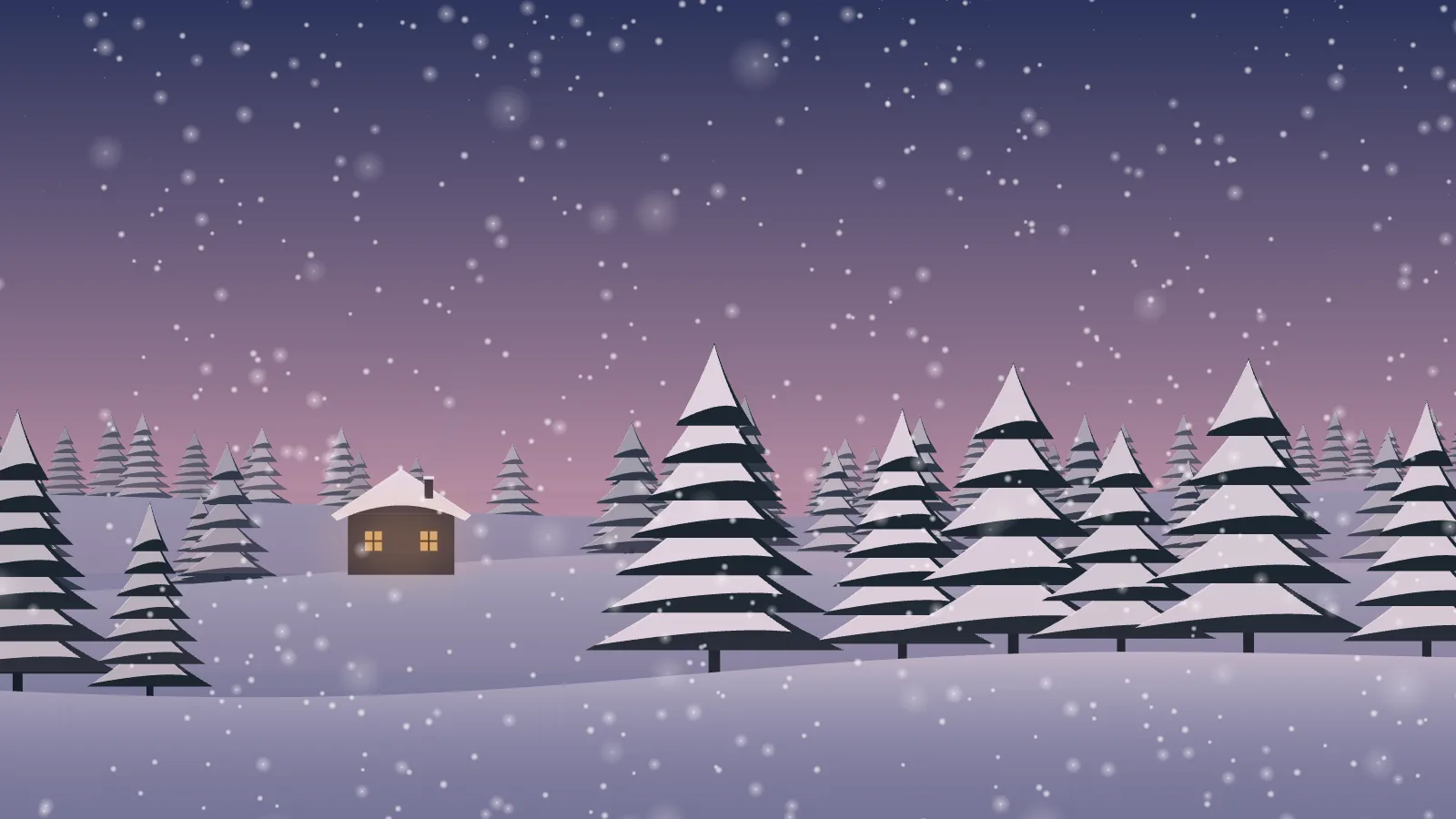
Snow coming down through a winter wood in three depths — far flakes small, sharp and slow, near ones large, soft and quick past the eye — all pushed by one wind field that gusts every so often. A cabin sits among the pines with its windows flickering like a fire inside, and its chimney smoke leans with the wind. It is plain Canvas 2D: the scene is painted once, and the flakes are pre-drawn sprites.
NightThe default: a dark blue sky and a lit cabin.DuskThe same wood under a pink-and-violet sky.
One wind, three depths
A single wind field pushes every flake, the deeper layers more, with gusts that swell and fade; each flake also sways on its own as it falls. A haze of falling snow sits between the ranks of hills.
If you self-host
Self-hosted, read-only container. Snowfall makes no outbound request of any kind, and uses no WebGL — Canvas 2D at a capped 30 frames a second. A window that reports no size, such as a hidden iframe, is skipped rather than painted.
What it wants
A time — night, dusk, or day — and how heavily it comes down. Switch the cabin off for an empty wood, and add a seed to keep two screens looking at the same trees.
Setup
Put Snowfall on a screen.
A browser is genuinely enough — the Mac app and Fully Kiosk below are conveniences, not requirements.
Any screen
nothing to install
Open the display in whatever browser the screen already has.
Go full screen: F11 on Windows and Linux, ⌃⌘F on macOS.
Or give it a browser of its own, which is what a dedicated panel wants: chrome --kiosk <url> — on macOS, open -a "Google Chrome" --args --kiosk <url>.
Turn off display sleep in the machine’s power settings and walk away.
Works on anything with a browser
Mac desktop
LivingKiosk app
Get the app and its install steps at livingkiosk.com/mac. It isn’t notarized yet, so macOS asks you to approve it once.
Menu bar → Library… and pick a display for each screen.
Configure… on any screen for its reload schedule, dim, and saved configs.
Displays are ordinary web pages, so anything that can hold one open works: a Raspberry Pi on a monitor, a retired iPad, a Fire tablet, the browser built into a TV.
Configuration
URL parameters.
Everything below, plus a live preview and a URL builder that writes the link for you, is at snowfall.livingkiosk.com/setup.
Parameter
Default
Meaning
snow
1
How heavily it is coming down, 0.2–3; scales the number of flakes in every layer.
wind
0.5
Strength of the wind that pushes the flakes and leans the chimney smoke, 0–2. 0 is calm.
time
night
dusk or day. The light the wood is seen in. Anything else falls back to night.
cabin
on
off removes the cabin with its flickering windows and chimney smoke. Only off removes it.
speed
1
A multiplier on everything that moves, 0.2–3. Clamped, not rejected.
dim
0
Neutral black overlay, 0–0.8 (fleet-wide convention).
seed
—
Pins the wood — the pines, the cabin’s place, and where the flakes begin.
Snowfall is open source under the MIT licence. Run it yourself with one command. The source opens to the public soon.