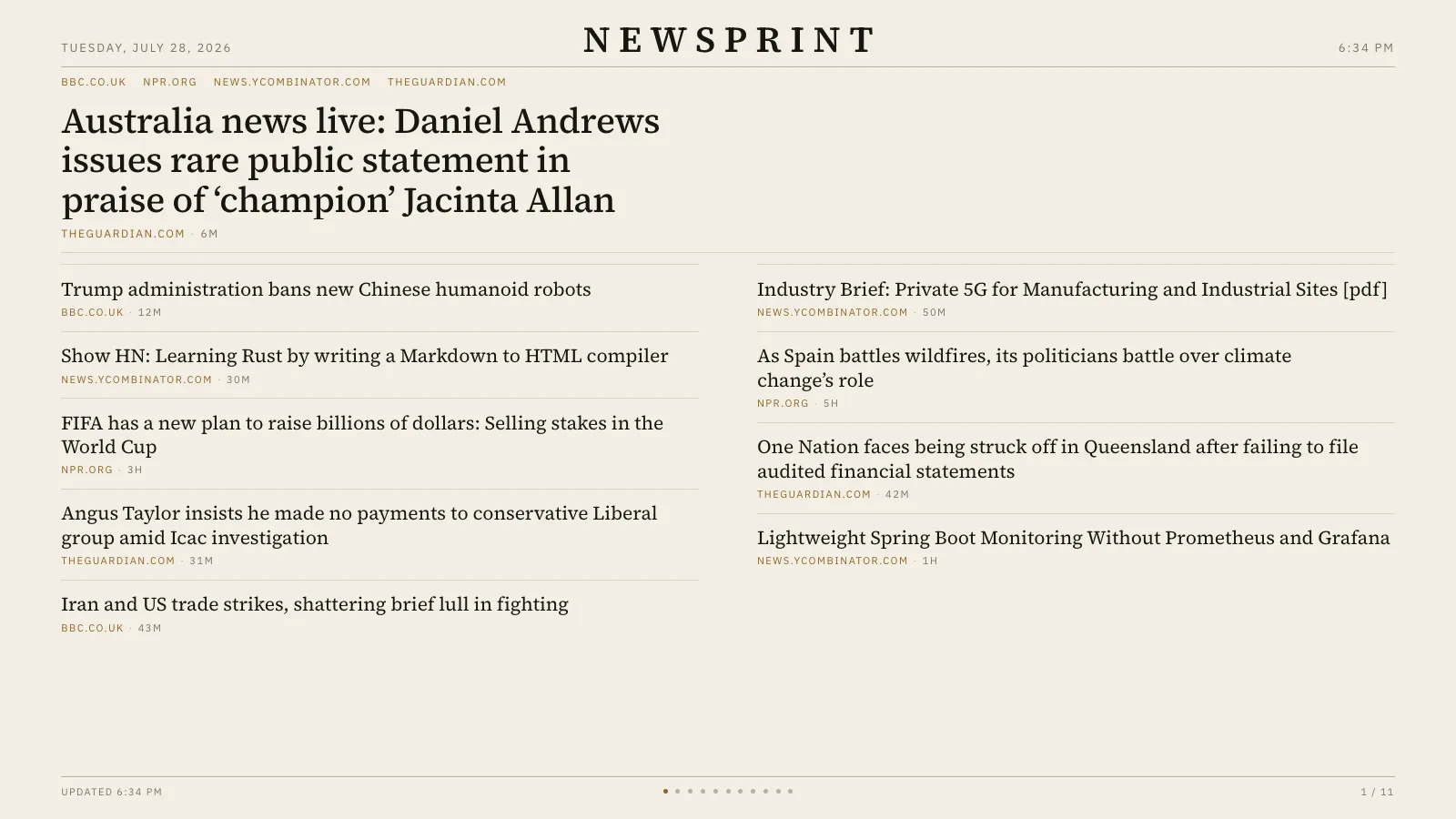
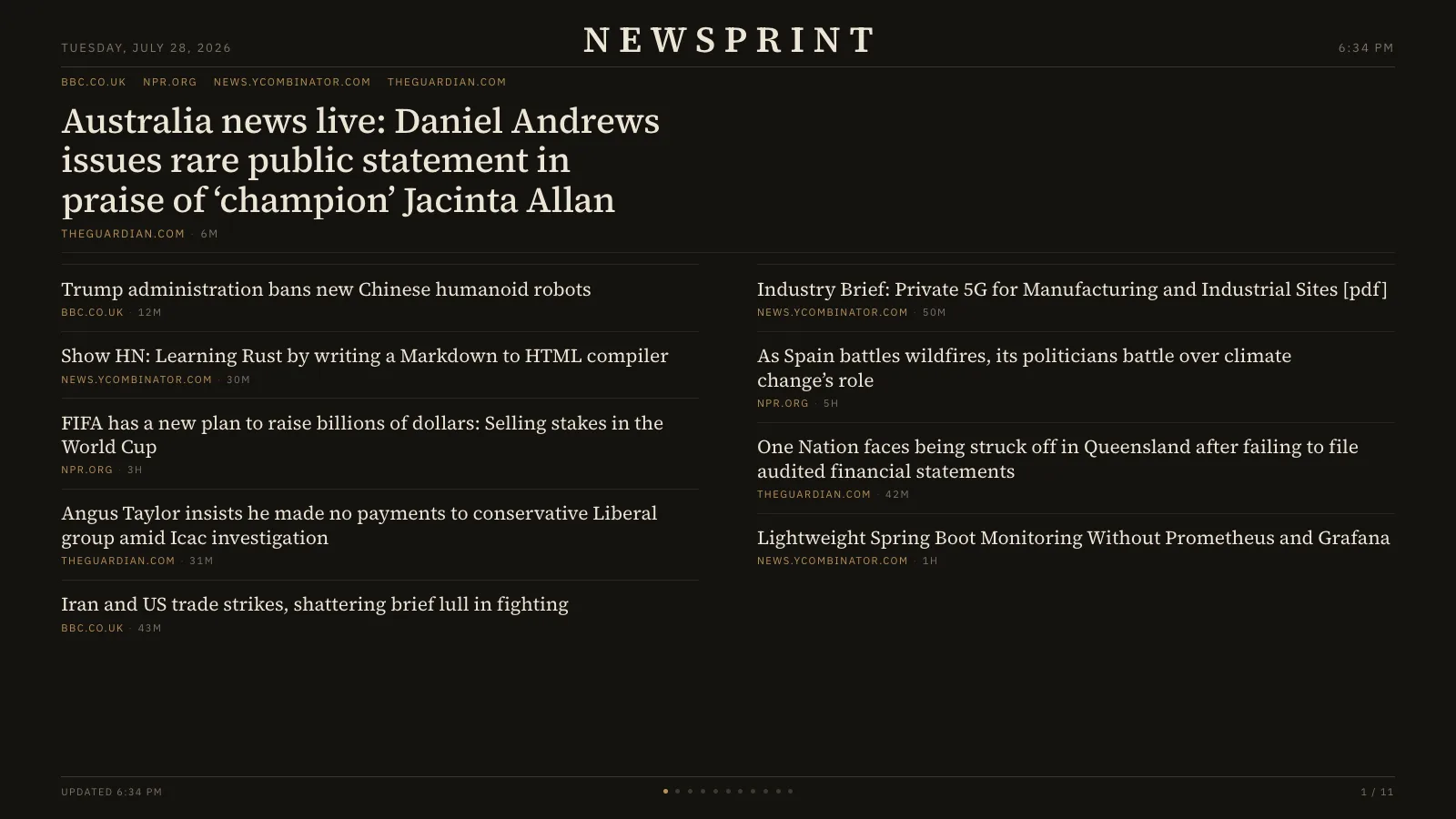
The anti-ticker. Newsprint reads any set of RSS or Atom feeds — including subreddits — and sets them like a newspaper front page that quietly turns its own pages. No crawl, no red, no thumbnails, no urgency: a headline, a source, and an age, in a hierarchy you can read from across the room.
PaperWarm off-white, for a room with daylight in it.DarkThe same layout for a room that is not.
Where the news comes from
Any RSS or Atom feed you name, plus subreddits by bare name. Nothing is curated for you and there is no default agenda — the sources are the ones you put in the URL.
If you self-host
Self-hosted, single container, no database. The feed cache lives in memory and rebuilds on the first request after a restart.
What it wants
A screen far enough away that you read headlines, not stories. It sets in columns and turns its own pages on a timer you choose.
Setup
Put Newsprint on a screen.
A browser is genuinely enough — the Mac app and Fully Kiosk below are conveniences, not requirements.
Any screen
nothing to install
Open the display in whatever browser the screen already has.
Go full screen: F11 on Windows and Linux, ⌃⌘F on macOS.
Or give it a browser of its own, which is what a dedicated panel wants: chrome --kiosk <url> — on macOS, open -a "Google Chrome" --args --kiosk <url>.
Turn off display sleep in the machine’s power settings and walk away.
Works on anything with a browser
Mac desktop
LivingKiosk app
Get the app and its install steps at livingkiosk.com/mac. It isn’t notarized yet, so macOS asks you to approve it once.
Menu bar → Library… and pick a display for each screen.
Configure… on any screen for its reload schedule, dim, and saved configs.
Displays are ordinary web pages, so anything that can hold one open works: a Raspberry Pi on a monitor, a retired iPad, a Fire tablet, the browser built into a TV.
Configuration
URL parameters.
Everything below, plus a live preview and a URL builder that writes the link for you, is at newsprint.livingkiosk.com/setup.
Parameter
Default
Meaning
r
—
Comma-separated subreddits.
feeds
—
Comma-separated RSS/Atom URLs.
theme
dark
dark or paper.
limit
10
Headlines per page (4–24). Reduced automatically if they don’t fit the screen.
cycle
24
Seconds between page turns (5–3600).
page
—
Pin to a fixed page (1-based) and stop auto-advancing.
dim
0
Black scrim over everything, 0 to 0.8 (fleet-wide convention).
Newsprint is open source under the MIT licence. Run it yourself with one command. The source opens to the public soon.