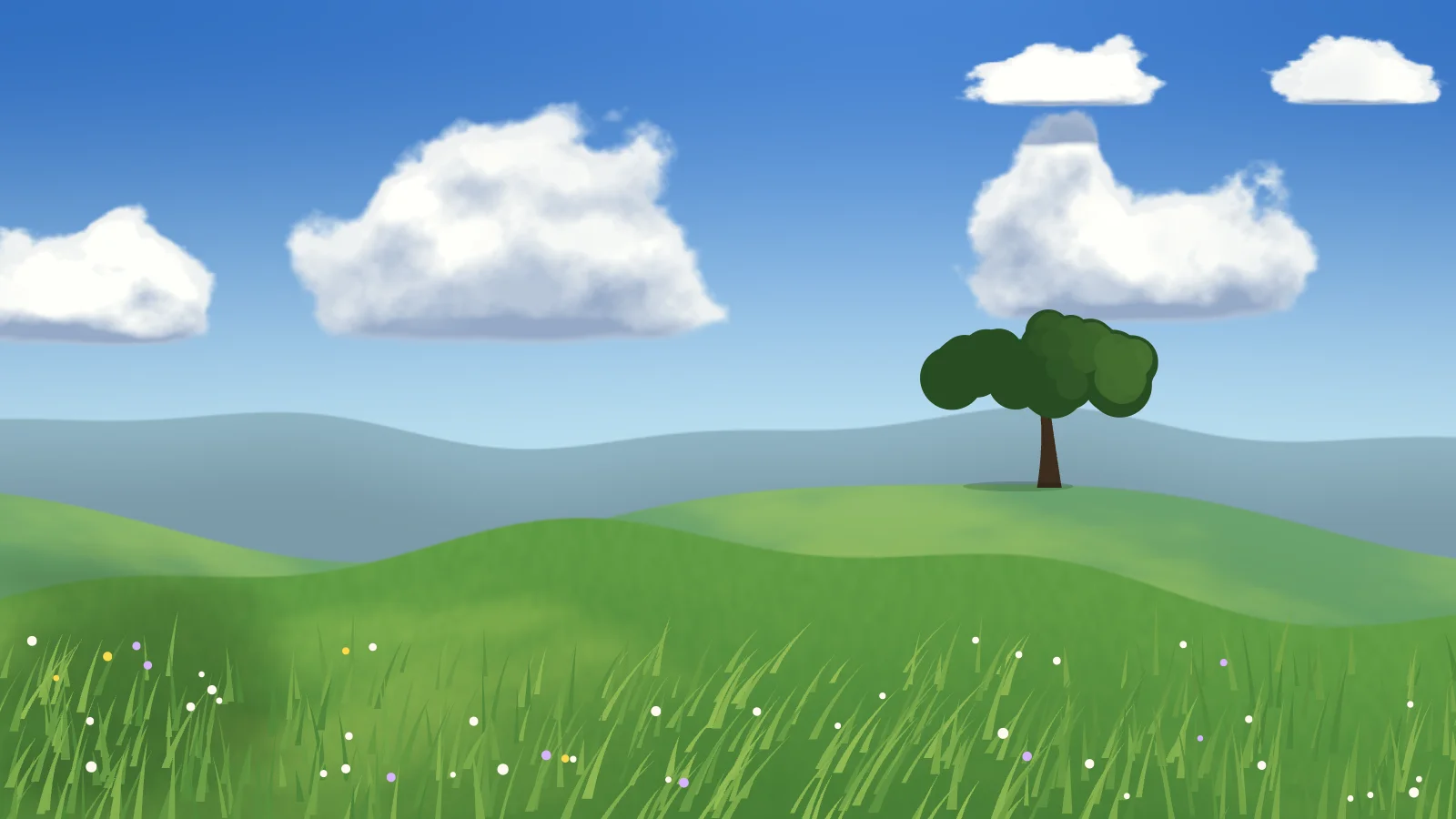
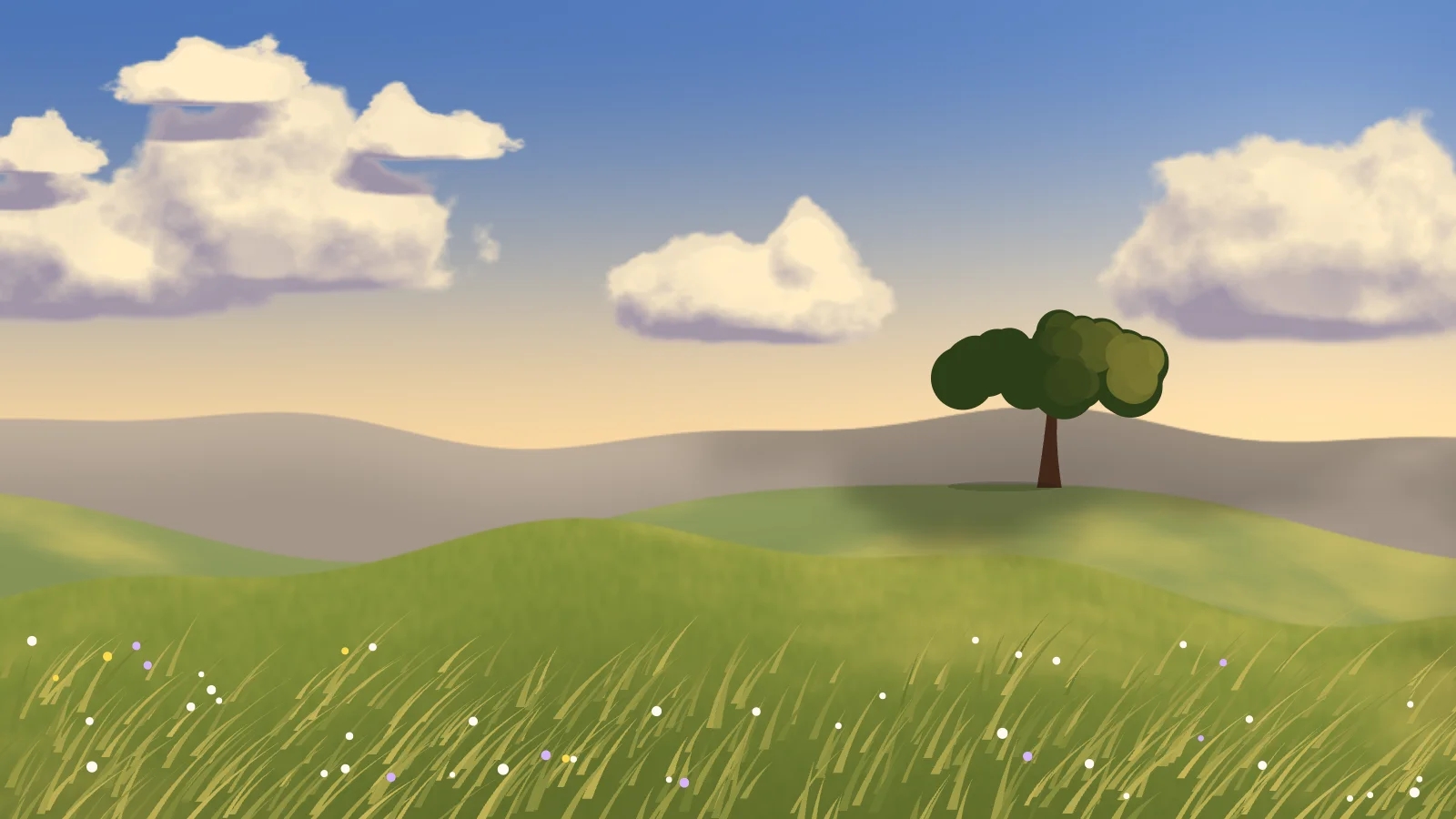
A summer hillside under big cumulus clouds, with the wind made visible: bands of it travel through the grass, cloud shadows slide over the hills, a lone tree stands on the ridge, and now and then a small flock of birds crosses the sky. The sky and hills are one fragment shader whose hill profiles are seeded sums of sines, and the tree, blades and flowers read the very same numbers, so everything stands exactly on the ground the GPU painted.
DayBlue sky, white cumulus, green hills.GoldenThe same hillside in low, warm light.
How the clouds are made
Each cumulus is a dome eaten at the edges by noise — cauliflower tops, flat bottoms — lit from the sun side and drifting across the sky, wrapping round when it leaves. Cloud cover sets how many there are, and how dark their shadows fall on the land.
If you self-host
Self-hosted, read-only container. Meadow makes no outbound request at all — every colour and every frame is computed in the browser, with the sky rendered small because it is soft anyway and the frame rate capped at 30.
What it wants
A time of day — day, golden, or evening — and how hard the wind blows. The tree and the birds are each one switch if you would rather have an empty hill.
Setup
Put Meadow on a screen.
A browser is genuinely enough — the Mac app and Fully Kiosk below are conveniences, not requirements.
Any screen
nothing to install
Open the display in whatever browser the screen already has.
Go full screen: F11 on Windows and Linux, ⌃⌘F on macOS.
Or give it a browser of its own, which is what a dedicated panel wants: chrome --kiosk <url> — on macOS, open -a "Google Chrome" --args --kiosk <url>.
Turn off display sleep in the machine’s power settings and walk away.
Works on anything with a browser
Mac desktop
LivingKiosk app
Get the app and its install steps at livingkiosk.com/mac. It isn’t notarized yet, so macOS asks you to approve it once.
Menu bar → Library… and pick a display for each screen.
Configure… on any screen for its reload schedule, dim, and saved configs.
Displays are ordinary web pages, so anything that can hold one open works: a Raspberry Pi on a monitor, a retired iPad, a Fire tablet, the browser built into a TV.
Configuration
URL parameters.
Everything below, plus a live preview and a URL builder that writes the link for you, is at meadow.livingkiosk.com/setup.
Parameter
Default
Meaning
time
day
golden or evening. The light: sky colour, sun position, and the colour of the hills and grass.
wind
1
How hard the wind moves the grass, the tree and the flowers, 0–3. 0 is still. Clamped, not rejected.
clouds
0.5
Cloud cover, 0–1: how many cumulus are in the sky (2 to 8) and how dark their shadows fall on the land.
tree
on
off removes the lone tree. Anything other than off leaves it standing.
birds
on
off removes the flock that crosses every minute or two. Anything other than off leaves them flying.
speed
1
A multiplier on everything that moves, 0.2–3. Clamped, not rejected.
dim
0
Neutral black overlay, 0–0.8 (fleet-wide convention).
seed
—
Pins the hills, clouds, tree and grass, so the same URL always shows the same place.
Meadow is open source under the MIT licence. Run it yourself with one command. The source opens to the public soon.