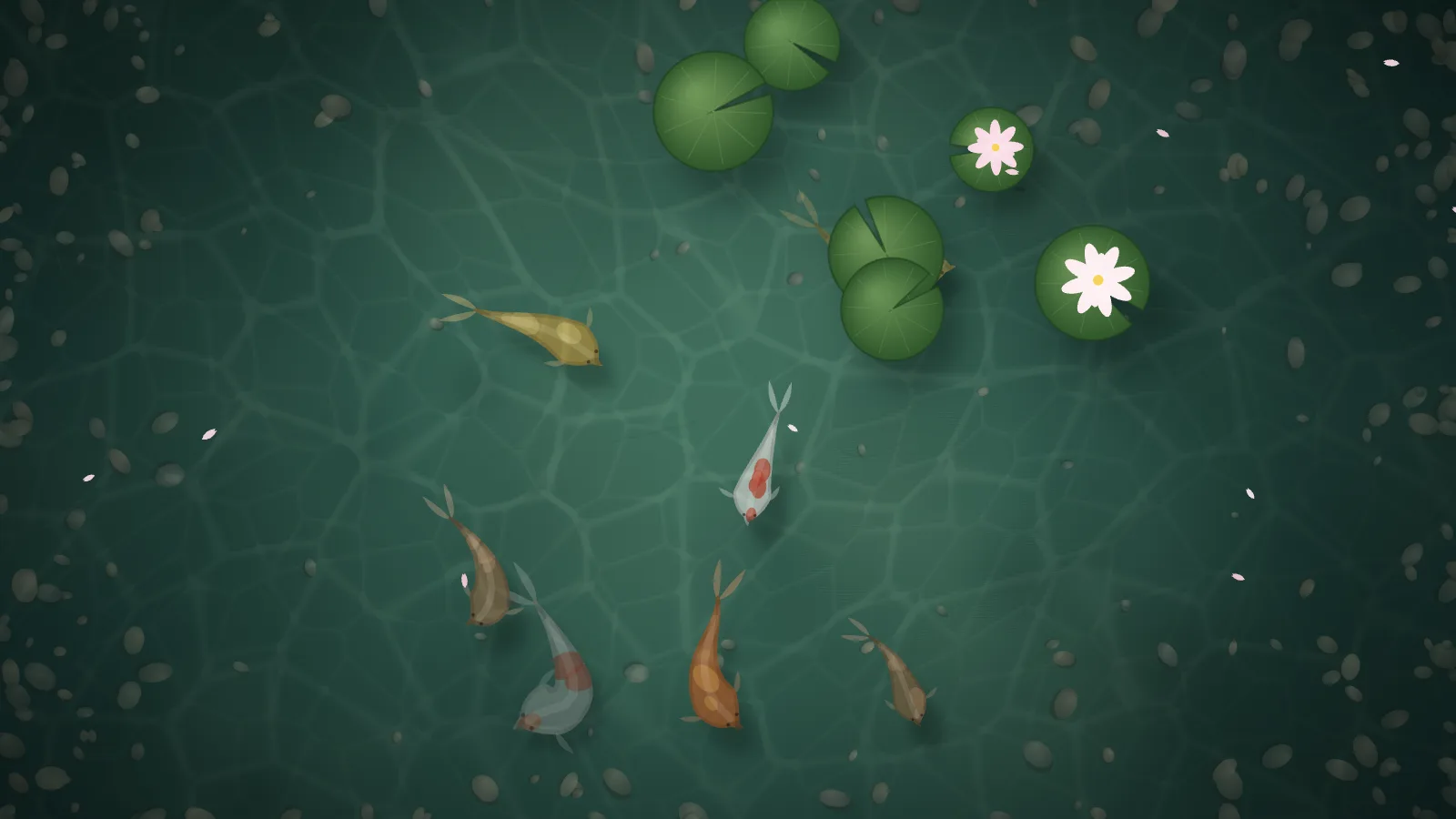
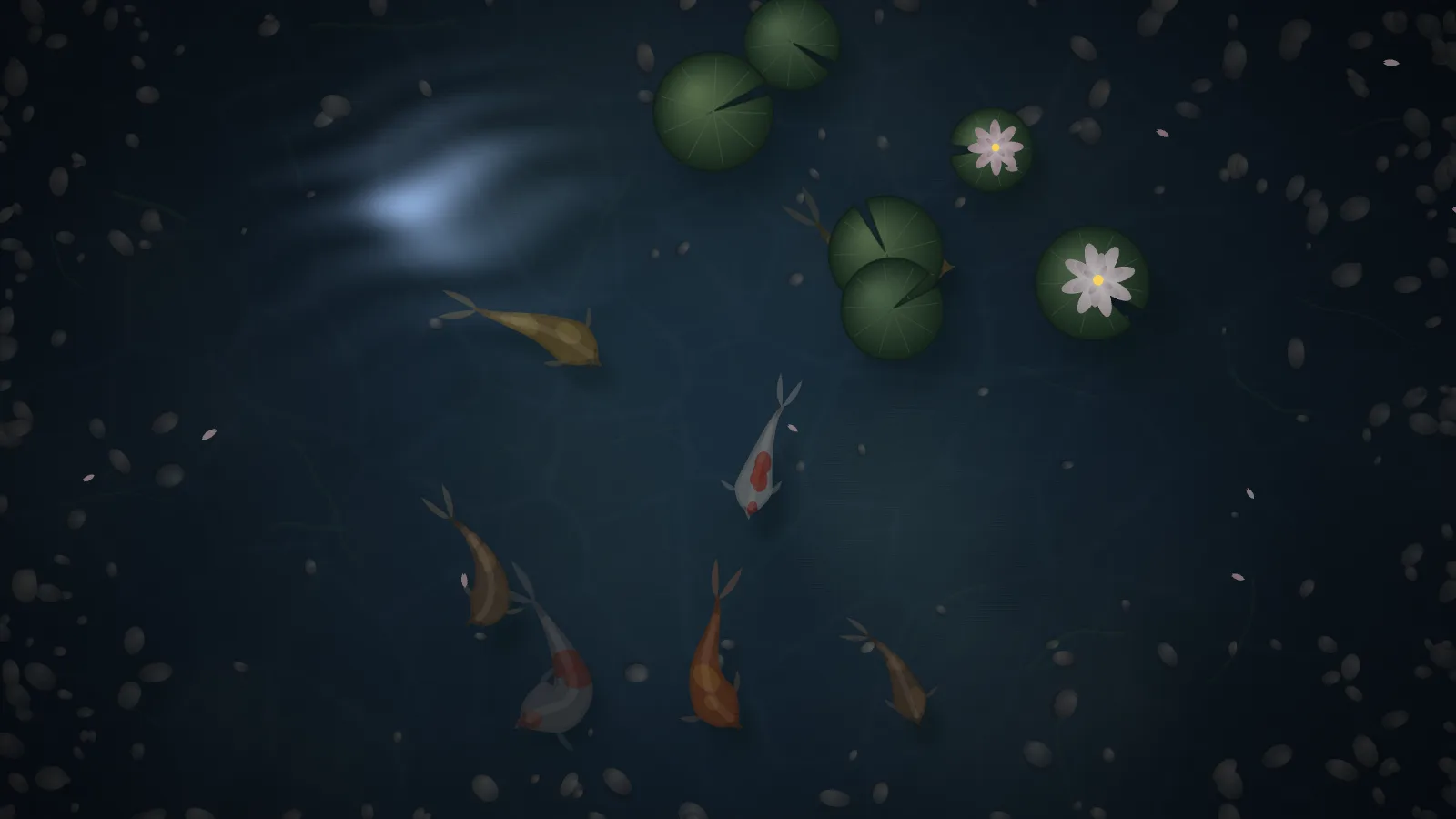
A koi pond seen from above, where the fish swim like fish: each one is a spine of fourteen points following its head, with a swim wave that grows toward the tail, so the head stays steady and the tail does the work. They steer clear of each other and of the banks, and now and then one rises and leaves a ripple. The water is a shader laid over a painted pond floor, bending the view with swell and ripples, pooling caustics on the bottom, and glinting with a low sun or the moon.
DayGreen water, caustics on the floor, blossoms on the pads.NightThe same pond in moonlight, the fish gone dim.
How the fish swim
Each koi is simulated, not animated. A spine of fourteen points follows the head, with a swim wave applied on top that grows toward the tail. Soft steering keeps the fish apart and off the banks, and every fish has its own size, pattern and depth — the deeper ones are murkier and fainter.
If you self-host
Self-hosted, read-only container. Koi makes no outbound request at all, ever — every fish and every frame is computed in the browser. Because nothing is fetched, it can also be built as a pure-static site for any CDN or file host.
What it wants
A time of day — day, dusk, or night — and, if you like, a fish count and a seed. Everything scales from the screen’s own shorter side, so the same URL works on a 16:9 panel, a portrait tablet, or a phone.
Setup
Put Koi on a screen.
A browser is genuinely enough — the Mac app and Fully Kiosk below are conveniences, not requirements.
Any screen
nothing to install
Open the display in whatever browser the screen already has.
Go full screen: F11 on Windows and Linux, ⌃⌘F on macOS.
Or give it a browser of its own, which is what a dedicated panel wants: chrome --kiosk <url> — on macOS, open -a "Google Chrome" --args --kiosk <url>.
Turn off display sleep in the machine’s power settings and walk away.
Works on anything with a browser
Mac desktop
LivingKiosk app
Get the app and its install steps at livingkiosk.com/mac. It isn’t notarized yet, so macOS asks you to approve it once.
Menu bar → Library… and pick a display for each screen.
Configure… on any screen for its reload schedule, dim, and saved configs.
Displays are ordinary web pages, so anything that can hold one open works: a Raspberry Pi on a monitor, a retired iPad, a Fire tablet, the browser built into a TV.
Configuration
URL parameters.
Everything below, plus a live preview and a URL builder that writes the link for you, is at koi.livingkiosk.com/setup.
Parameter
Default
Meaning
koi
7
How many fish are in the pond, 1–24.
speed
1
A multiplier on how fast everything moves, 0.2–3. Clamped, not rejected.
pads
6
How many lily pads float on the surface, 0–16. Some carry a blossom. 0 leaves open water.
petals
on
on or off. Blossom petals that drift down and land on the water, each leaving a small ripple.
time
day
day, dusk, or night. Dusk is warm with the low sun on the water; night is dark and blue, with the moon.