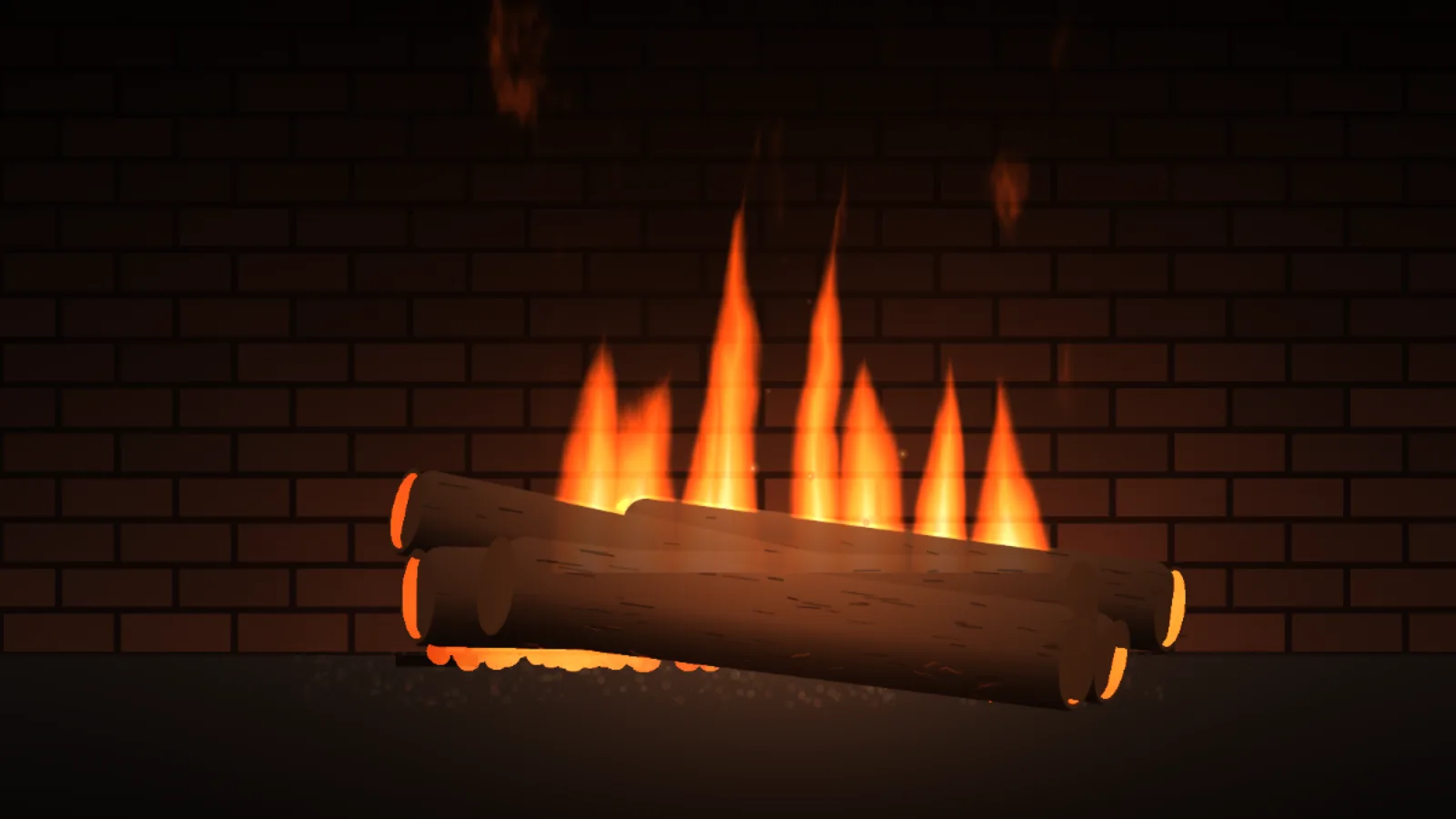
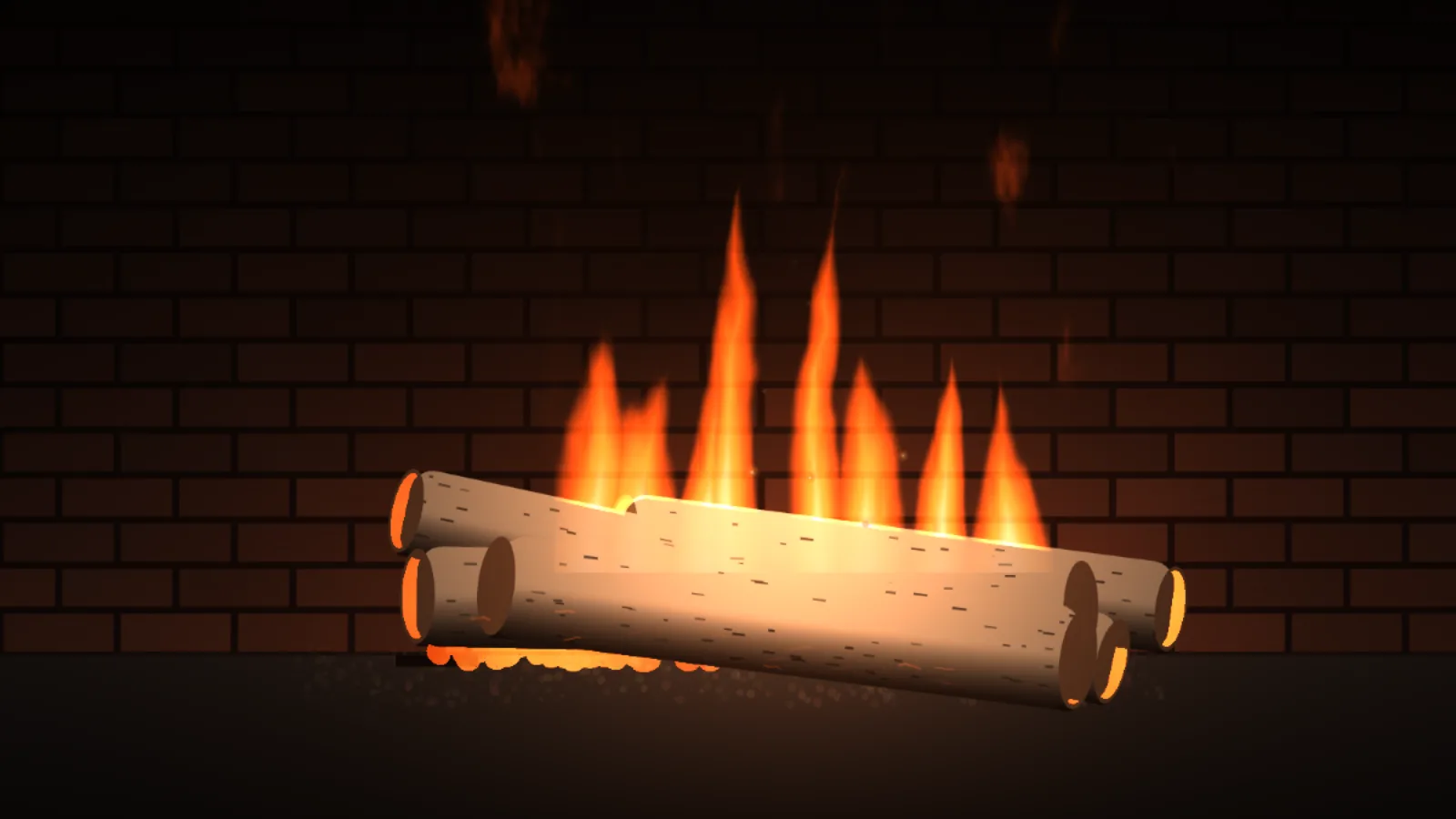
A wood fire in a brick hearth, close up: flames licking up from behind the logs, embers breathing in the cracks, and a burst of sparks now and then when a log settles. The flames are a shader, not a video loop — eight tapering tongues torn at the tips by rising turbulence and coloured along a blackbody ramp from ember red to near white — and the brick and floor take a warm light that swells and flutters with the fire. There is no audio, and nothing is fetched.
OakDark, deeply barked logs: the default.BirchPale, papery logs, lit brighter by the same fire.
A seed lays a whole fire
The stack of logs, the spacing of the tongues and the order of the sparks all come from the seed, and the fire’s footprint is worked out from wherever the logs ended up, so any stack gets a fire that fits it. A mask over the logs hides the flames’ feet, so they rise from between the logs rather than sitting on top of them.
If you self-host
Self-hosted, read-only container. Hearth makes no outbound request and plays no sound; every frame is computed in the browser, with the shader at 75% resolution and the frame rate capped at 30.
What it wants
Oak or birch logs, a flame height from a banked glow to a roaring fire, and sparks on or off. Sizes come from the screen’s own shorter side, and the set is repainted when the window is resized.
Setup
Put Hearth on a screen.
A browser is genuinely enough — the Mac app and Fully Kiosk below are conveniences, not requirements.
Any screen
nothing to install
Open the display in whatever browser the screen already has.
Go full screen: F11 on Windows and Linux, ⌃⌘F on macOS.
Or give it a browser of its own, which is what a dedicated panel wants: chrome --kiosk <url> — on macOS, open -a "Google Chrome" --args --kiosk <url>.
Turn off display sleep in the machine’s power settings and walk away.
Works on anything with a browser
Mac desktop
LivingKiosk app
Get the app and its install steps at livingkiosk.com/mac. It isn’t notarized yet, so macOS asks you to approve it once.
Menu bar → Library… and pick a display for each screen.
Configure… on any screen for its reload schedule, dim, and saved configs.
Displays are ordinary web pages, so anything that can hold one open works: a Raspberry Pi on a monitor, a retired iPad, a Fire tablet, the browser built into a TV.
Configuration
URL parameters.
Everything below, plus a live preview and a URL builder that writes the link for you, is at hearth.livingkiosk.com/setup.
Parameter
Default
Meaning
flame
1
How tall the flames rise, 0.4–1.6. Below 1 is a low, banked fire; above 1 is a roaring one. Clamped, not rejected.
wood
oak
birch. The logs on the grate. Oak is dark and deeply barked; birch is pale with dark papery marks.
sparks
on
off removes the sparks drifting up off the fire, including the odd burst when a log settles.
speed
1
A multiplier on the pace of the flames, the flicker and the sparks, 0.3–2. Clamped, not rejected.