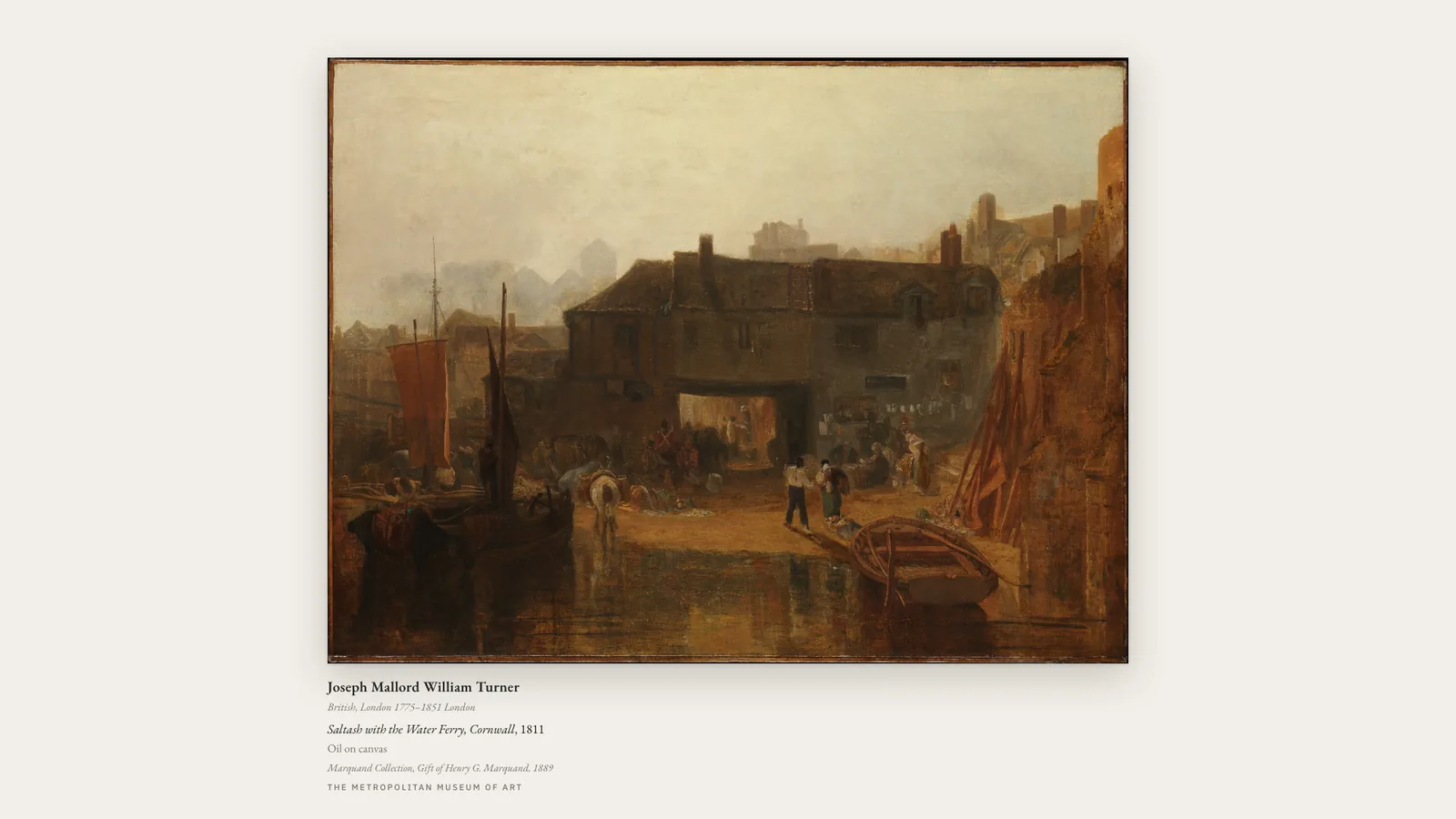
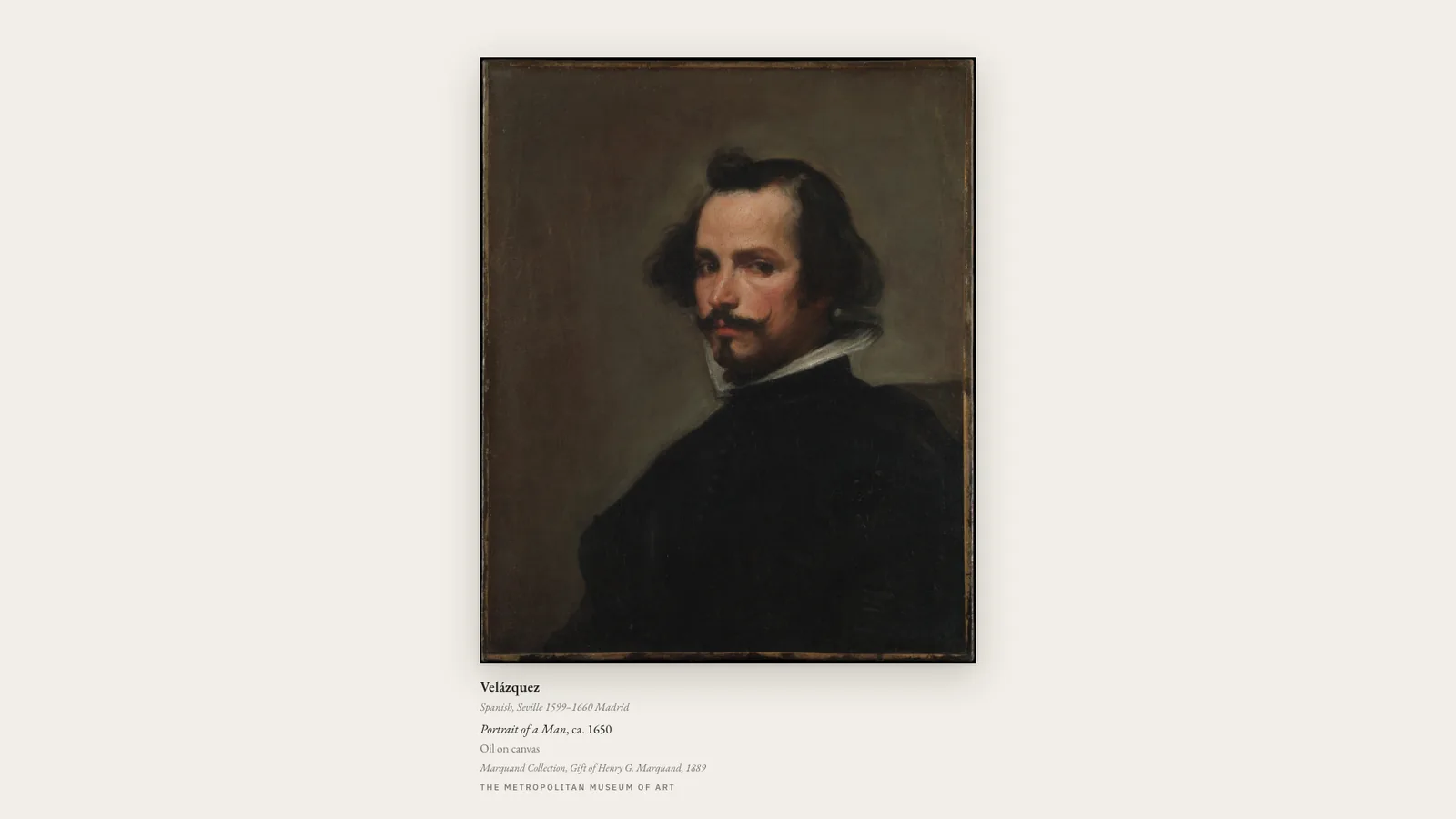
A museum wall that changes its mind. Public-domain works from the world’s open-access collections, matted and hung with a real placard — title, maker, date, medium, accession number. Each piece holds for a couple of minutes, and the crossfade only begins once the next image is fully decoded, so the wall never shows you a half-loaded painting.
LandscapeMatted to the work, not the screen.PortraitA portrait work gets a portrait mat.
Where the art comes from
The Met’s Open Access collection, with the Rijksmuseum as an optional second source. Only public-domain works are shown, and the placard carries the museum’s own catalogue data.
If you self-host
Self-hosted, read-only container, no database. Images are proxied and cached in memory so the browser never talks to a museum directly and nothing is hotlinked.
What it wants
A screen you walk past. It is the one display that rewards a bigger panel — the mat and placard are drawn to the proportions of the work, not the monitor.
Setup
Put Gallery Frame on a screen.
A browser is genuinely enough — the Mac app and Fully Kiosk below are conveniences, not requirements.
Any screen
nothing to install
Open the display in whatever browser the screen already has.
Go full screen: F11 on Windows and Linux, ⌃⌘F on macOS.
Or give it a browser of its own, which is what a dedicated panel wants: chrome --kiosk <url> — on macOS, open -a "Google Chrome" --args --kiosk <url>.
Turn off display sleep in the machine’s power settings and walk away.
Works on anything with a browser
Mac desktop
LivingKiosk app
Get the app and its install steps at livingkiosk.com/mac. It isn’t notarized yet, so macOS asks you to approve it once.
Menu bar → Library… and pick a display for each screen.
Configure… on any screen for its reload schedule, dim, and saved configs.
Displays are ordinary web pages, so anything that can hold one open works: a Raspberry Pi on a monitor, a retired iPad, a Fire tablet, the browser built into a TV.
Configuration
URL parameters.
Everything below, plus a live preview and a URL builder that writes the link for you, is at frame.livingkiosk.com/setup.
Parameter
Default
Meaning
collections
six curated collections
What may appear — comma-separated collection slugs, a Met department id/slug, or all.
dwell
120
Seconds each artwork is held (5–86400).
placard
on
The wall label.
mat
gallery-white
warm, linen, sage, slate, charcoal, black, or any hex.
margin
7
Mat margin as a percentage of the screen’s shorter side (0–22).
frame
shadow
hairline or none.
res
large
original for the archival file, right for 4K panels.
shuffle
on
off walks each collection in catalogue order.
seed
random
Pins the shuffle so two screens run the same show in the same order.
id
—
Pin one object by Met or Rijksmuseum id and stop rotating.
dim
0
Black scrim over everything, 0 to 0.8 (fleet-wide convention).
Gallery Frame is open source under the MIT licence. Run it yourself with one command. The source opens to the public soon.