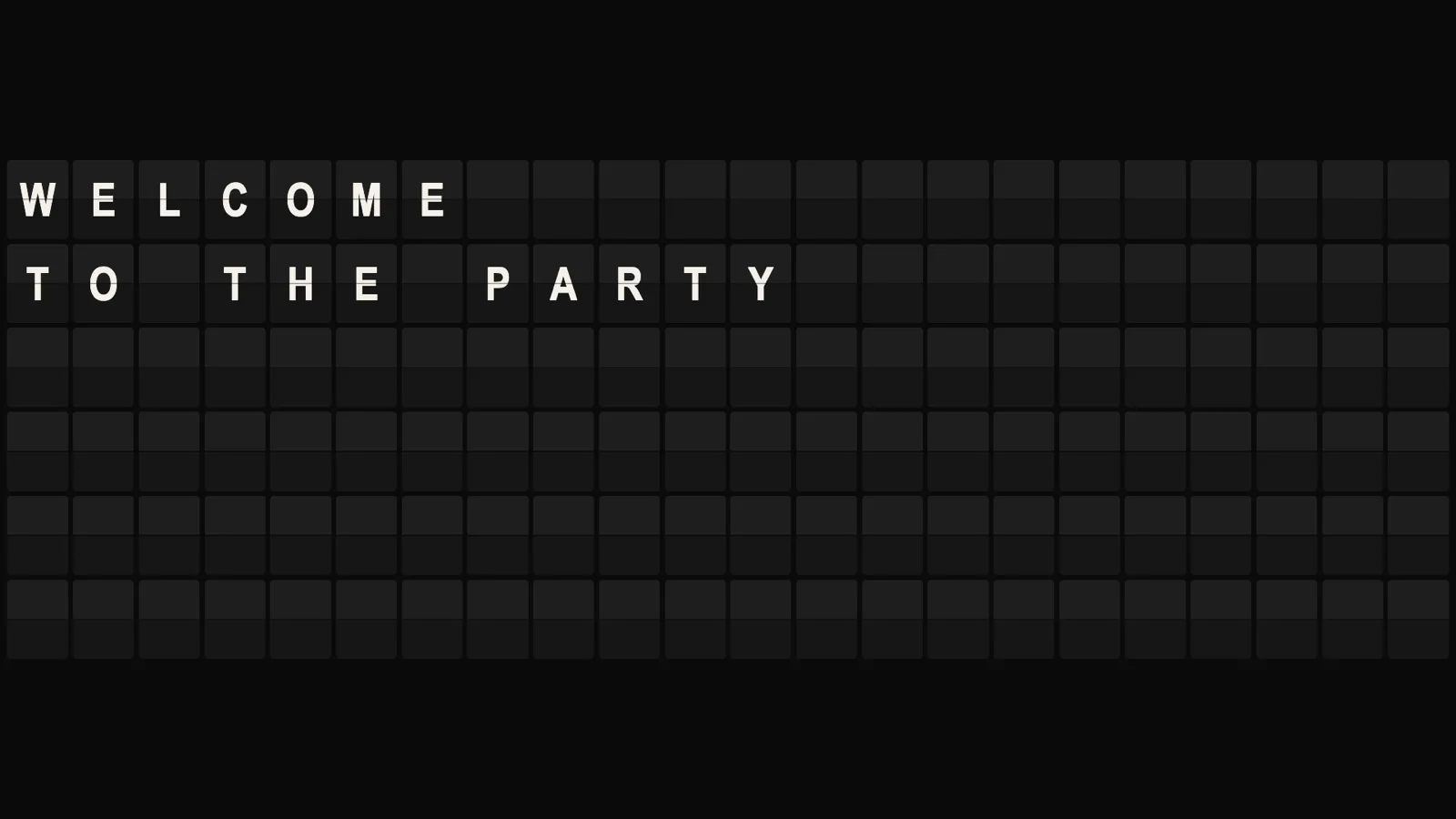
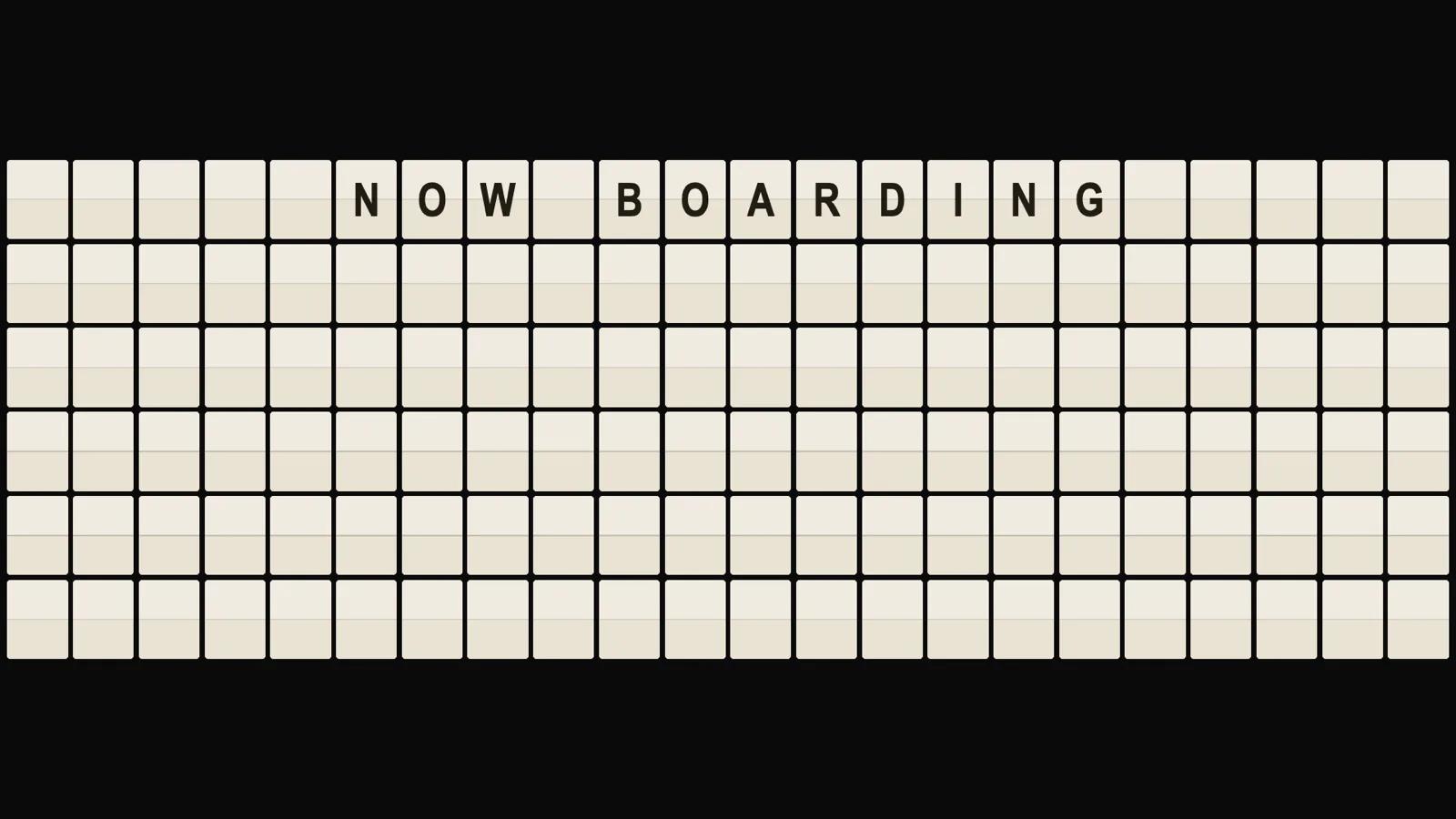
A split-flap board that says whatever you type — a wedding welcome, tonight’s specials, a countdown to the trip, GONE FISHING. Every page of text becomes rows of physical-looking flaps that cascade into place letter by letter whenever the board changes. It can tell the time and count down to a date without touching the network: Departures makes no outbound request while it is running.
ClassicBlack flaps, white letters — the airport original.CreamCream flaps, black letters — the old railway style, centred.
What it shows
Your words. Lines are separated by | and pages by ||, and the /setup page builds that for you from a plain text box where a blank line starts a new page. Drop {clock}, {date} or {countdown:…} into a line and that spot keeps itself current, re-flipping only the cells that changed.
Where it runs
Anywhere, with nothing behind it. No account, no key, no upstream service that can disappear or start charging — the whole board is arithmetic on the URL. Self-hosted it is a read-only container; hosted it is a static page.
What it wants
A board people read at a glance, not a page they study. Lines longer than the board are cut, never wrapped, the same way a real board would; dwell means seconds the page is readable, counted from when the last flap lands.
Setup
Put Departures on a screen.
A browser is genuinely enough — the Mac app and Fully Kiosk below are conveniences, not requirements.
Any screen
nothing to install
Open the display in whatever browser the screen already has.
Go full screen: F11 on Windows and Linux, ⌃⌘F on macOS.
Or give it a browser of its own, which is what a dedicated panel wants: chrome --kiosk <url> — on macOS, open -a "Google Chrome" --args --kiosk <url>.
Turn off display sleep in the machine’s power settings and walk away.
Works on anything with a browser
Mac desktop
LivingKiosk app
Get the app and its install steps at livingkiosk.com/mac. It isn’t notarized yet, so macOS asks you to approve it once.
Menu bar → Library… and pick a display for each screen.
Configure… on any screen for its reload schedule, dim, and saved configs.
Displays are ordinary web pages, so anything that can hold one open works: a Raspberry Pi on a monitor, a retired iPad, a Fire tablet, the browser built into a TV.