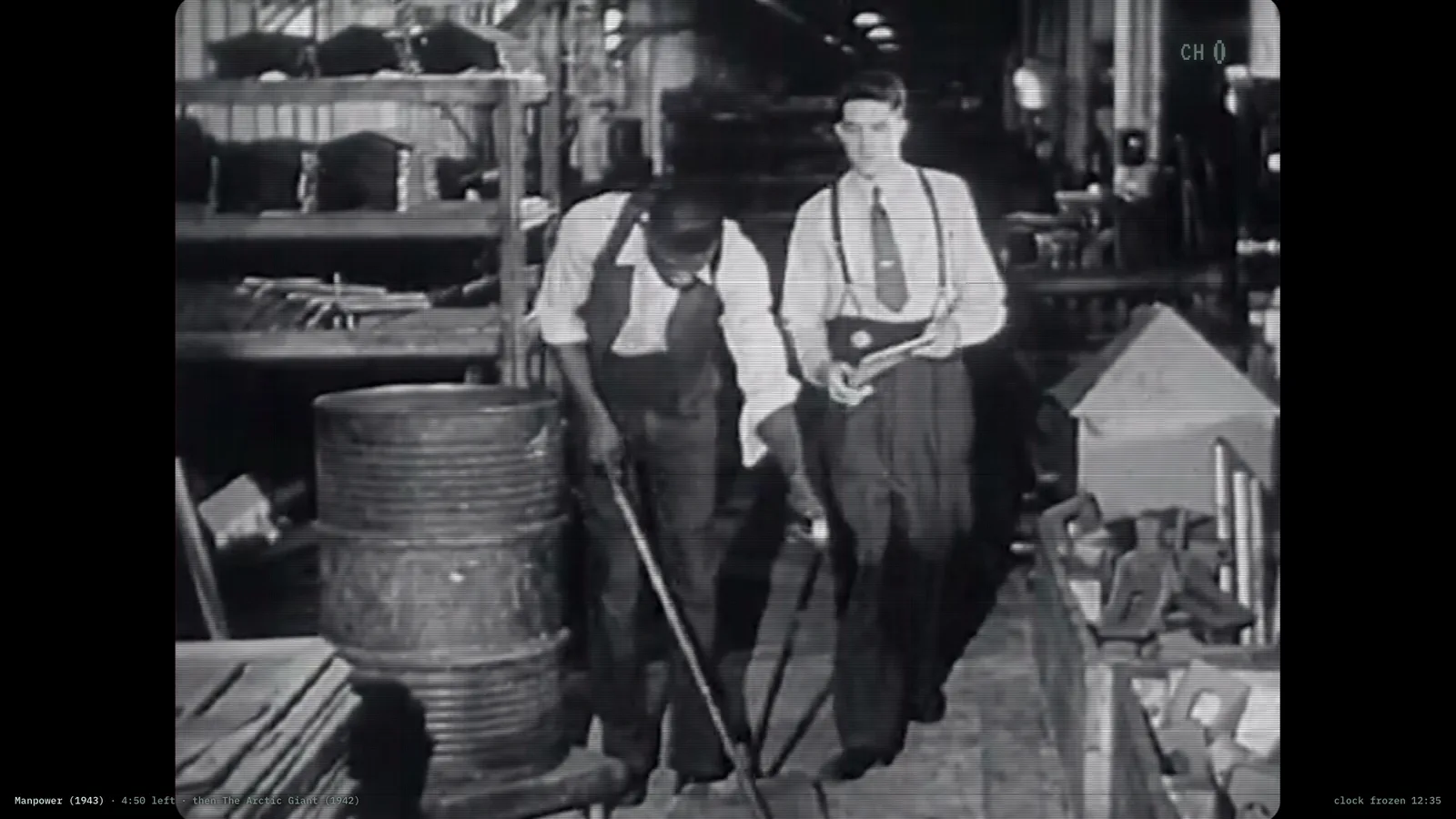
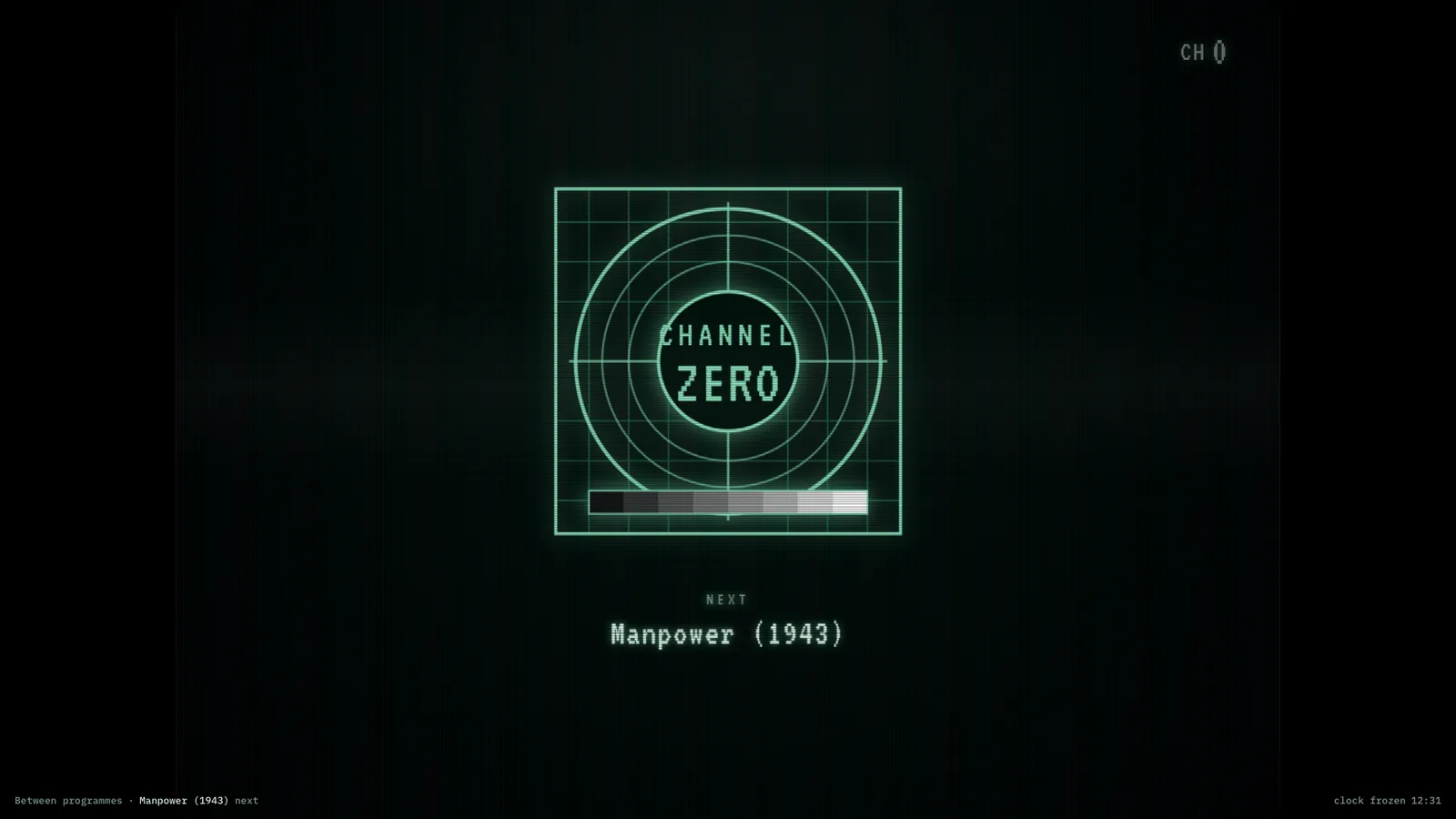
A channel that was already running when you walked in. Hours of verified public-domain film — cartoons, industrial reels, educational shorts, ephemera — scheduled as a pure function of the clock. Everyone watching is at the same frame at the same moment, and restarting the container does not restart the broadcast: it kept going without you, which is what a channel does.
ProgrammeCRT treatment, lower third, channel indicator.IdentBetween programmes, with what is next.
Where the films come from
Every item is individually verified public domain and streamed straight from the archive to your browser. Nothing is rehosted and no video passes through the display’s own server.
If you self-host
Self-hosted, read-only container, no database and no volumes. The schedule is derived from the clock, so there is no state to keep and nothing to back up.
What it wants
A screen in the corner of a room, muted. It is the closest thing here to television, and it is designed to be ignored for hours at a time.
Setup
Put Channel Zero on a screen.
A browser is genuinely enough — the Mac app and Fully Kiosk below are conveniences, not requirements.
Any screen
nothing to install
Open the display in whatever browser the screen already has.
Go full screen: F11 on Windows and Linux, ⌃⌘F on macOS.
Or give it a browser of its own, which is what a dedicated panel wants: chrome --kiosk <url> — on macOS, open -a "Google Chrome" --args --kiosk <url>.
Turn off display sleep in the machine’s power settings and walk away.
Works on anything with a browser
Mac desktop
LivingKiosk app
Get the app and its install steps at livingkiosk.com/mac. It isn’t notarized yet, so macOS asks you to approve it once.
Menu bar → Library… and pick a display for each screen.
Configure… on any screen for its reload schedule, dim, and saved configs.
Displays are ordinary web pages, so anything that can hold one open works: a Raspberry Pi on a monitor, a retired iPad, a Fire tablet, the browser built into a TV.
Configuration
URL parameters.
Everything below, plus a live preview and a URL builder that writes the link for you, is at zero.livingkiosk.com/setup.
Parameter
Default
Meaning
channel
all
cartoons, industrial, educational, or ephemera. all interleaves the blocks.
blocks
—
An ad-hoc channel: a comma-separated set of blocks, e.g. blocks=cartoons,ephemera. Wins over channel.
crt
full
off → low → full: how much picture-tube treatment.
bug
on
The station mark in the top corner.
sound
off
Starts muted regardless — browsers refuse audio without a gesture.
info
on
The corner status line: what’s on, time left, what’s next.
seed
ch0
An alternate schedule universe — same films, different running order.
dim
0
Black scrim over everything, 0 to 0.8 (fleet-wide convention).
Channel Zero is open source under the MIT licence. Run it yourself with one command. The source opens to the public soon.