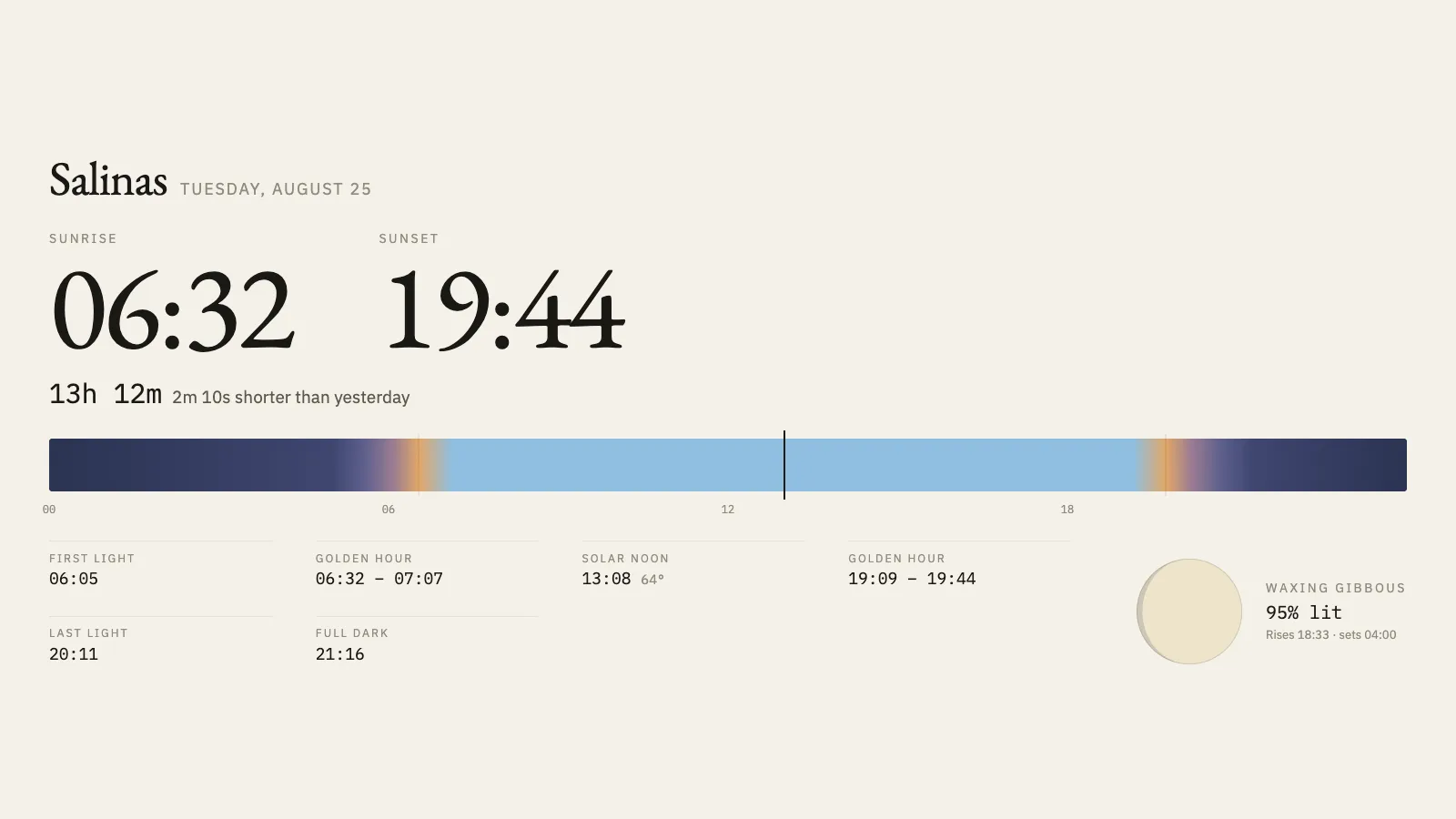
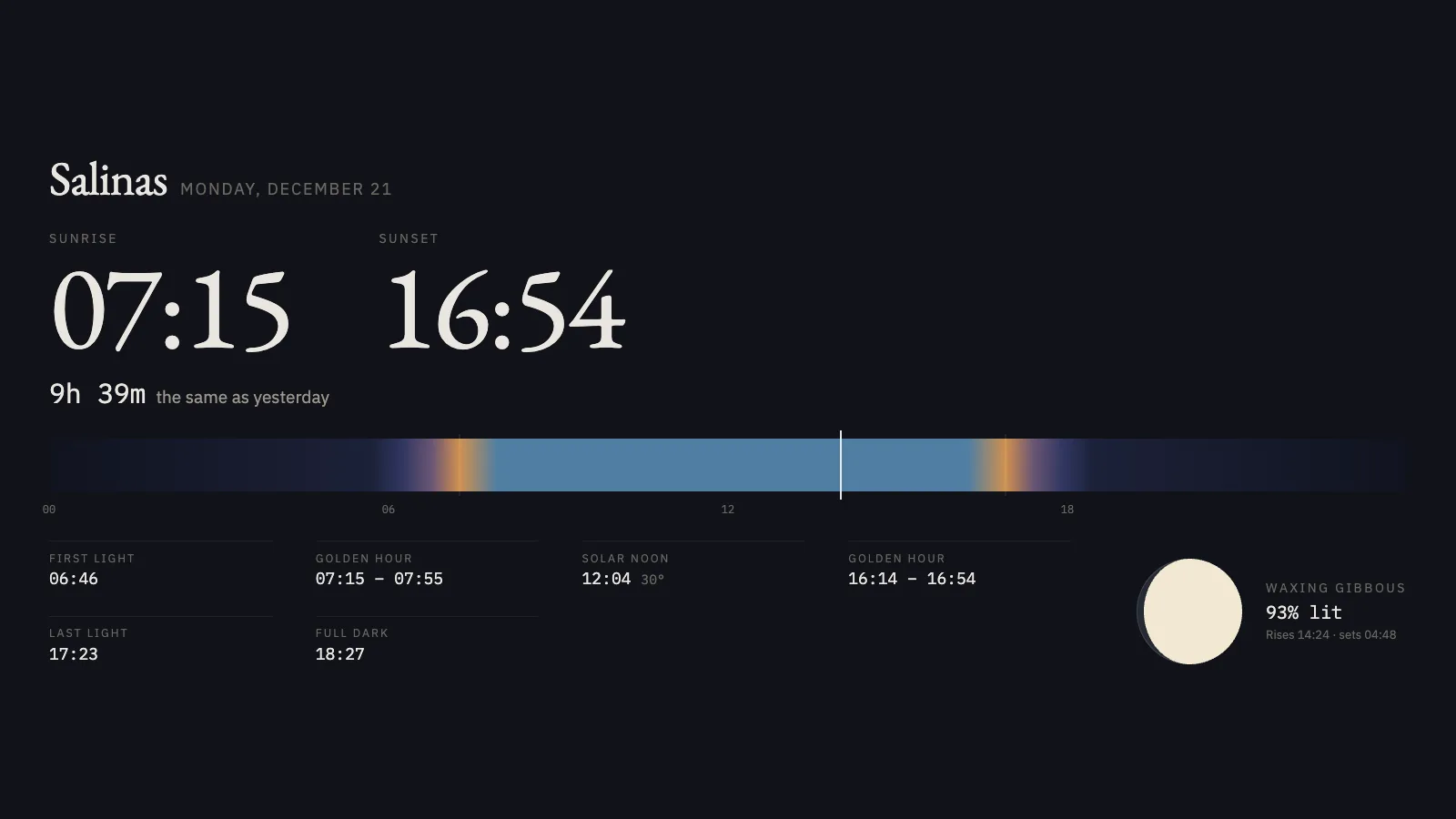
The sun and moon for one place. Sunrise, sunset, how long the day is and whether that is more or less than yesterday, the twilights either side, and the moon drawn at its actual phase. Every number is computed from published astronomical series on the machine it runs on — there is no API and no key.
DawnThe day as one band, midnight to midnight.NightA December solstice, when the day stops shortening.
Where the numbers come from
Nowhere. Solar and lunar positions come from published series, and rise and set times are found by scanning altitude and bisecting each crossing — no network request of any kind.
If you self-host
Self-hosted, read-only container, no database and no volumes. It works on a machine with no internet at all.
What it wants
A latitude, a longitude and a timezone. Above the Arctic circle it says the sun does not set today rather than printing a nonsense time.
Setup
Put Almanac on a screen.
A browser is genuinely enough — the Mac app and Fully Kiosk below are conveniences, not requirements.
Any screen
nothing to install
Open the display in whatever browser the screen already has.
Go full screen: F11 on Windows and Linux, ⌃⌘F on macOS.
Or give it a browser of its own, which is what a dedicated panel wants: chrome --kiosk <url> — on macOS, open -a "Google Chrome" --args --kiosk <url>.
Turn off display sleep in the machine’s power settings and walk away.
Works on anything with a browser
Mac desktop
LivingKiosk app
Get the app and its install steps at livingkiosk.com/mac. It isn’t notarized yet, so macOS asks you to approve it once.
Menu bar → Library… and pick a display for each screen.
Configure… on any screen for its reload schedule, dim, and saved configs.
Displays are ordinary web pages, so anything that can hold one open works: a Raspberry Pi on a monitor, a retired iPad, a Fire tablet, the browser built into a TV.
Configuration
URL parameters.
Everything below, plus a live preview and a URL builder that writes the link for you, is at almanac.livingkiosk.com/setup.
Parameter
Default
Meaning
lat, lon
server default
Both or neither.
place
the coordinates
What to call it.
tz
server default
An IANA zone — decides what "today" means.
theme
dawn
night. Neither follows the system colour scheme.
clock
24
12.
band
on
The twilight band.
moon
on
Show the moon.
dim
0
Black scrim over everything, 0 to 0.8 (fleet-wide convention).
Almanac is open source under the MIT licence. Run it yourself with one command. The source opens to the public soon.